
Getting Started with the Query Engine
The Query Engine gives you a SQL interface to the tables Coactive creates for each dataset. Use it to filter and aggregate concept scores, dynamic tag scores, and the metadata ingested with your files. This page covers how to open the Query Engine, find the tables available to you, and read their columns.
For the columns in each table, see SQL Table Reference. For dynamic tag views, see Dynamic Tag Tables.
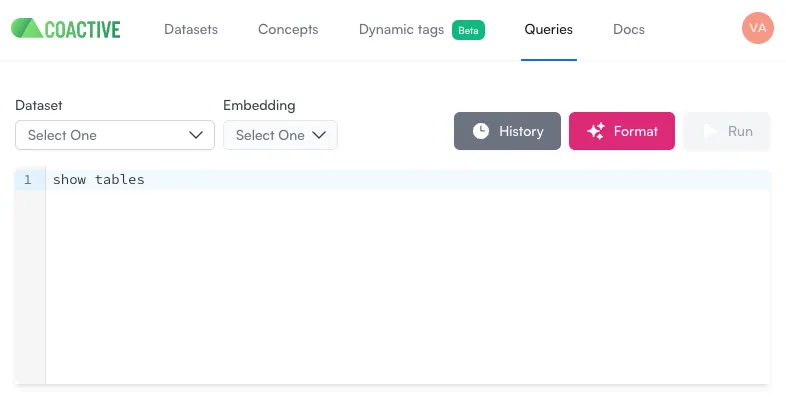
Open the Query Engine
- In the Coactive app, open the Queries tab.
- Select the dataset you want to query.
List available tables
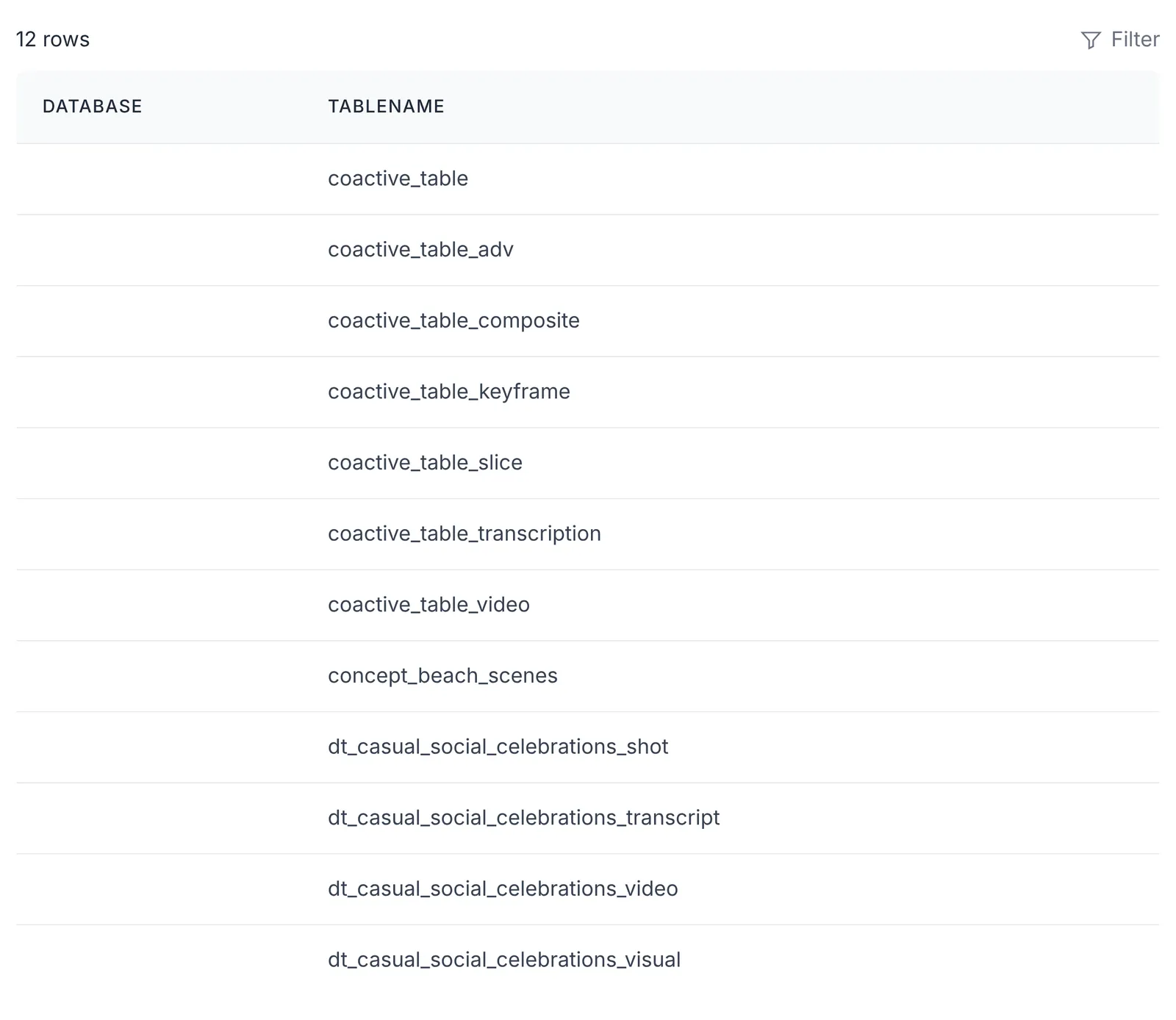
Run SHOW TABLES to see the tables and views available in the selected dataset:
Retrieve column names from a table
Run DESCRIBE to see a table’s column names and data types:
For example, coactive_table returns columns such as coactive_image_id, coactive_video_id, keyframe_index, path, and metadata. Concept columns ([concept_name]_prob and [concept_name]) are in coactive_table_adv, not coactive_table.
Read metadata values
The metadata column in coactive_table and coactive_table_video holds file-level metadata as a map<string,string>. Read a value by its key with metadata['key'] or element_at(metadata, 'key'). JSON functions such as get_json_object don’t work on this column.
Keys depend on the metadata ingested with your files. To list the keys on a row, run:
Then read the values you need. In this example, replace series_name with a key returned by map_keys:
Understand data volume
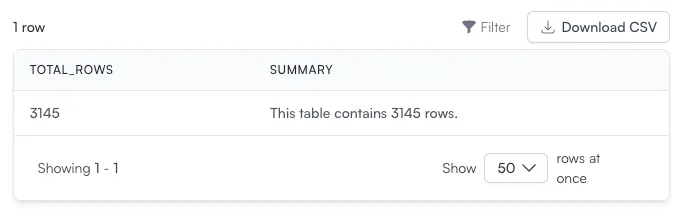
To measure the size of your dataset and estimate query performance, count the rows in a table. For larger queries, a Common Table Expression (CTE) can make the query easier to read:
- WITH row_count AS: Creates a temporary table that stores the total row count.
- CONCAT: Builds a readable summary of the data volume.
Expected output:
Next steps
- To look up columns and types for each core and video structure table, see SQL Table Reference.
- To check dataset size, ingestion, and ad segments, see Query Your Dataset with SQL.
- For example queries on scores, see Analyzing Concepts with SQL and Analyzing Dynamic Tags with SQL.
- To run queries through the API, see Programmatically Retrieve SQL Results.